Boston Music Hack Day
Posted by Paul in events, The Echo Nest on November 21, 2009

Boston at dawn -ready for the hack day

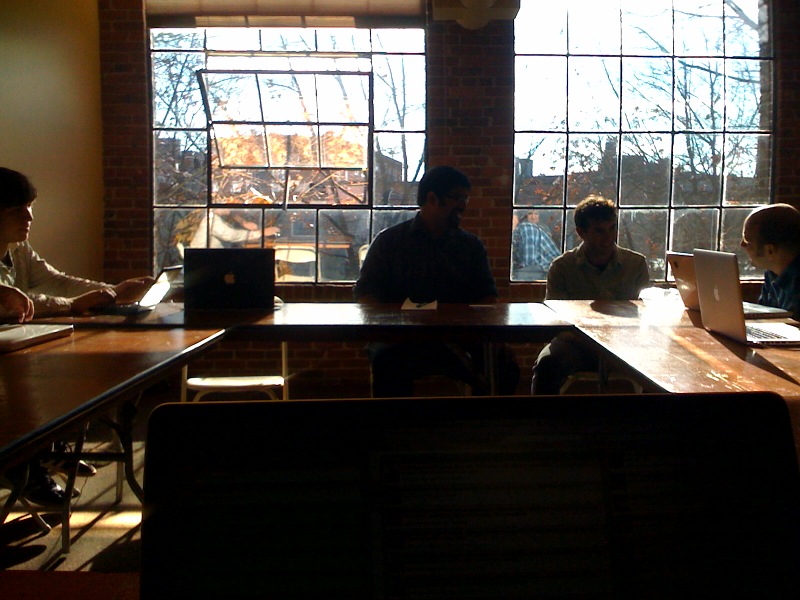
Breakfast at the music hack day
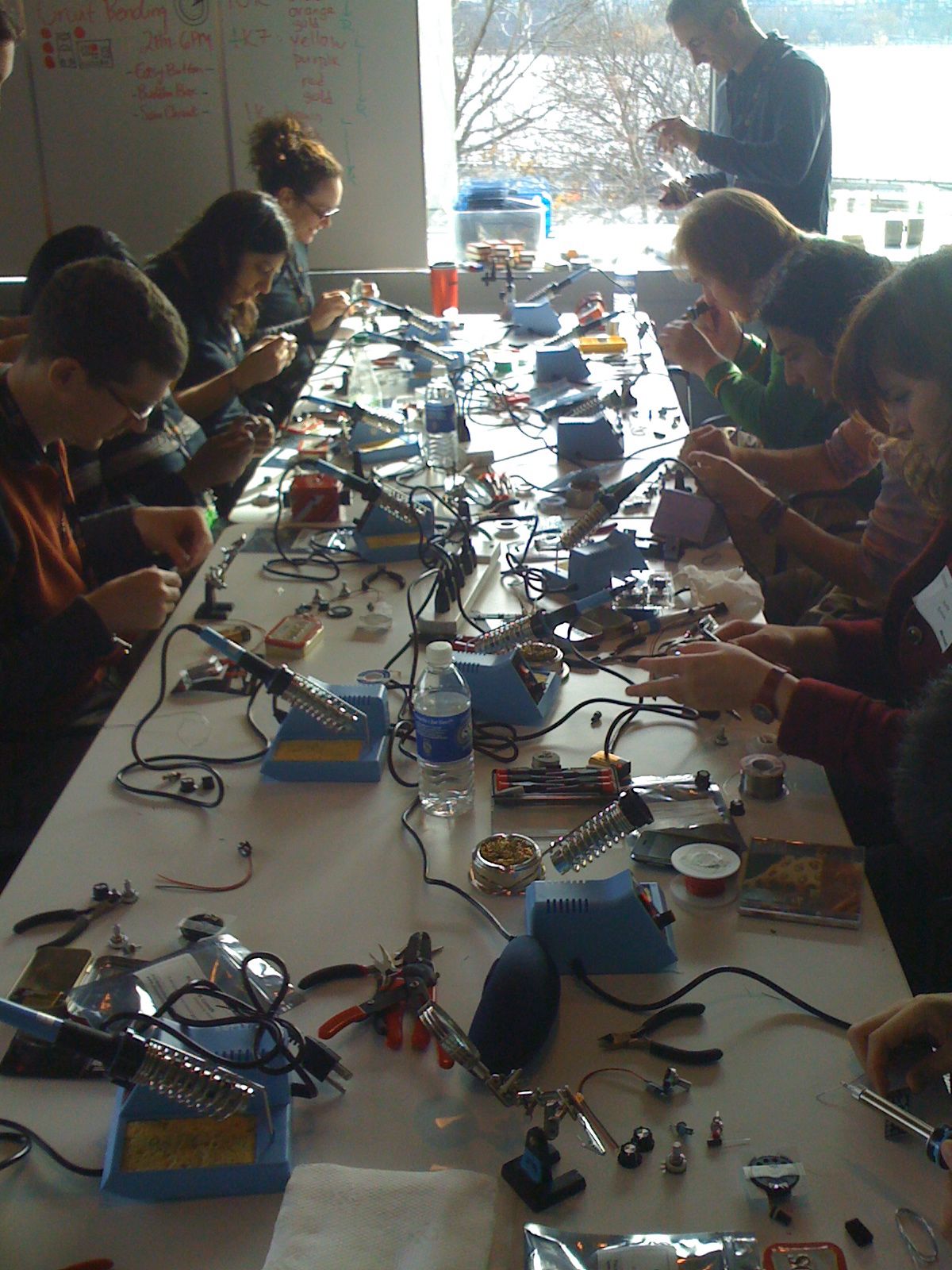
Hardware hacking at the Boston Music Hack Day
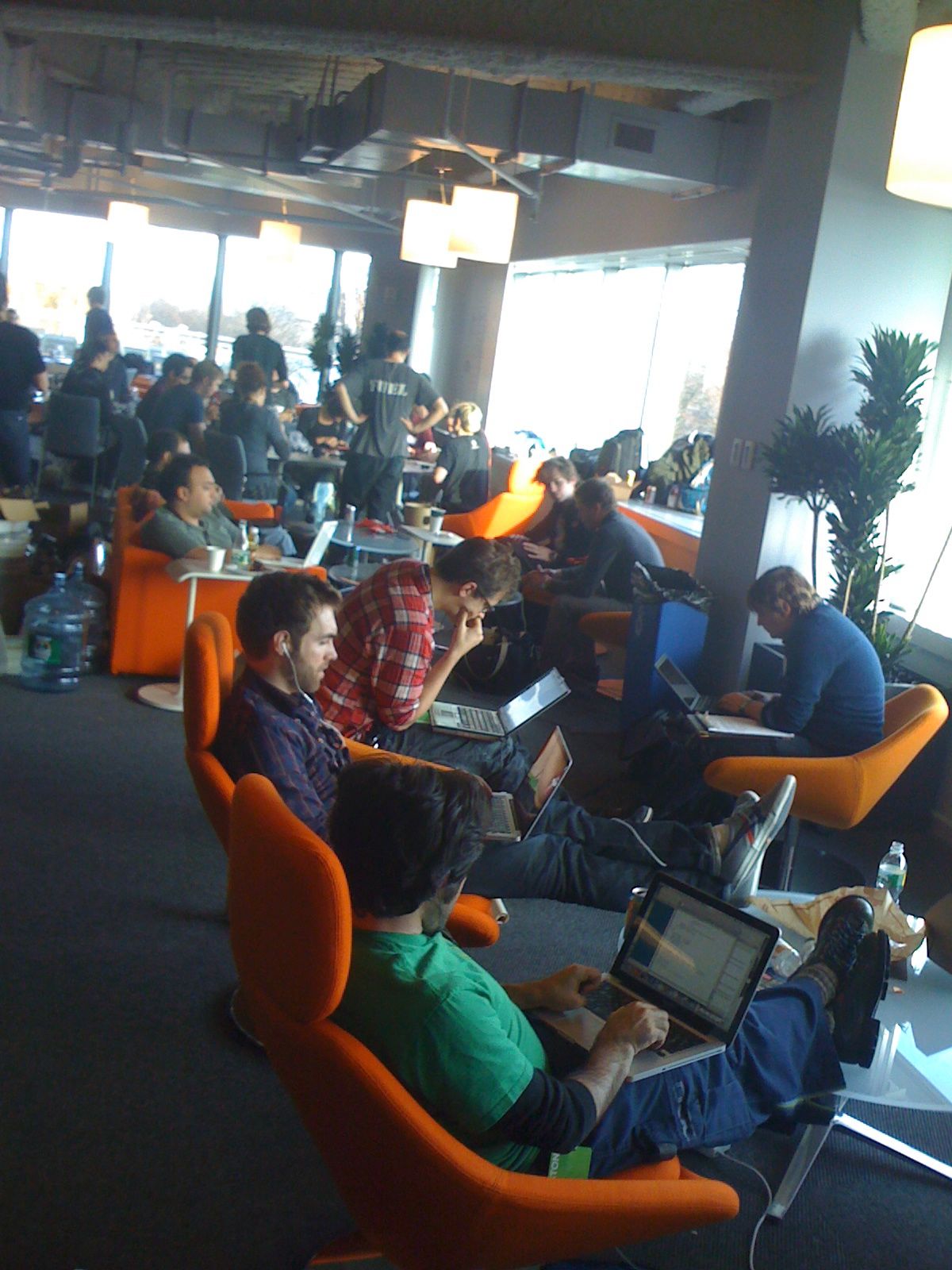
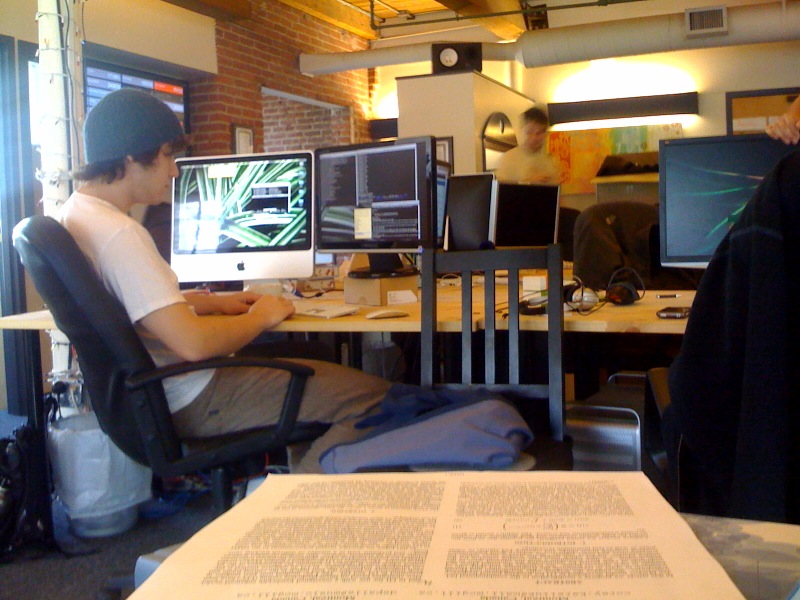
Hardcore hacking at the Boston Music Hack day

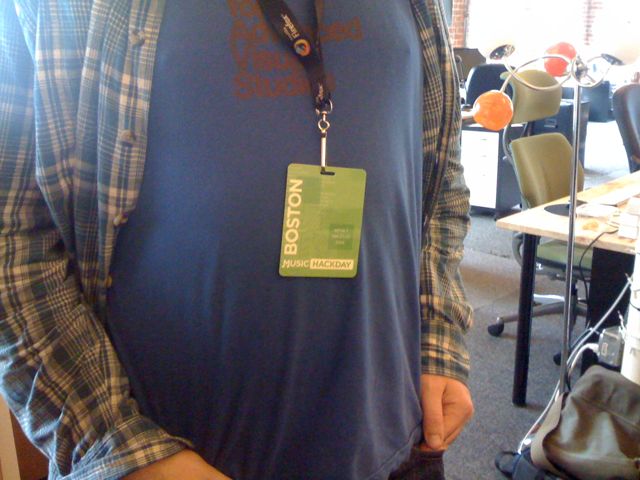
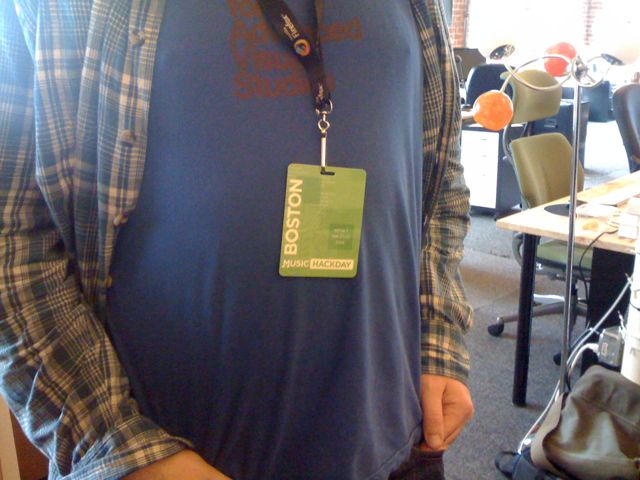
The two faces of music discovery

Turning an altoids can into a musical instrumentation
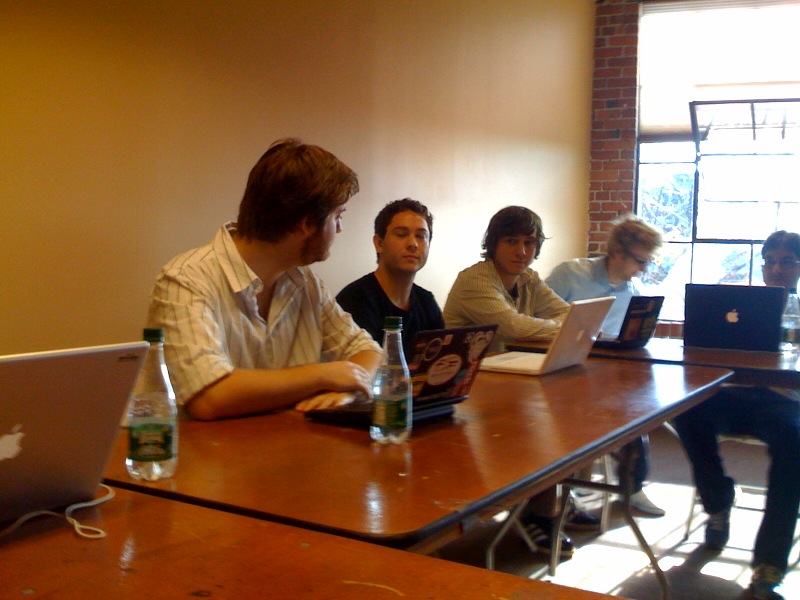
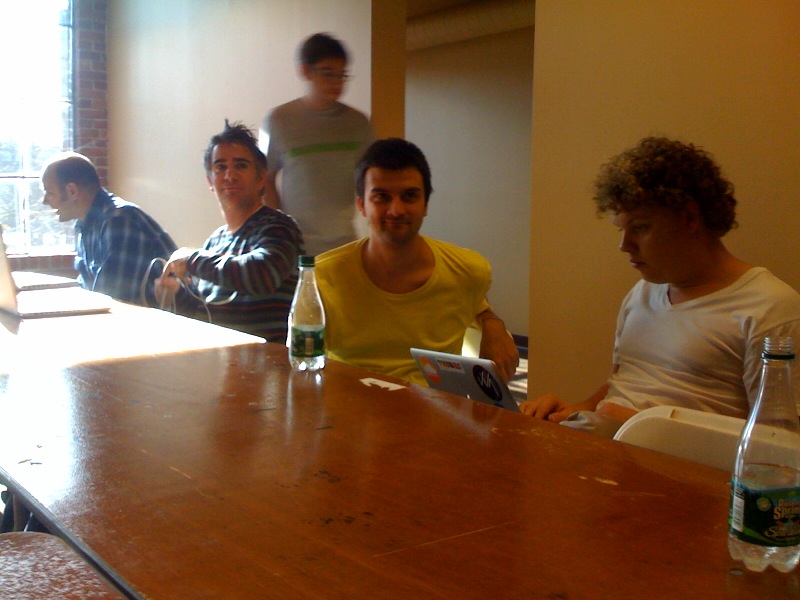
The Echo Nest gets ready for Boston Music Hack Day
Posted by Paul in code, java, Music, The Echo Nest, web services on November 19, 2009
We’ve been extremely busy this week at the Echo Nest getting ready for the Boston Music Hack Day. Not only have we been figuring out menus, panel room assignments, and dealing with a waitlist, we’ve also been releasing a set of new API features. Here’s a quick rundown of what we’ve done:
- get_images – a frequent request from developers – we now have an API method that will let you get images for an artist. Note that we are releasing this method as a sneak preview for the hack day – we have images for over 60 thousand artists, but we will be aggressively adding more images over the next few weeks (60 thousand artists is a lot of artists, but we’d like to have lots more). We’ll also be expanding our sources of images to include many more sources. The results of the get_images are already good. 95% of the time you’ll get images. Over the next few weeks, the results will get even better.
- get_biographies – another frequent request from developers – we now have a get_biographies API method that will return a set of artist biographies for any artist. We currently have biographies for about a quarter million artists – and just as with get_images – we are working hard to expand the breadth and depth of this coverage. Nevertheless, with coverage for a quarter million artists, 99.99% of the time when you ask for a biography we’ll have it.
- get_similar – we’ve expanded the number of similar artists you can get back from get_similar from 15 to 100. This gives you lots more info for building playlisting and music discovery apps.
- buckets – one issue that our developers have had was that to fill out info on an artist often took a number of calls to the Echo Nest – one to get similars, one to get audio, one for video, familiarity, hotttnesss etc. To fill out an artist page it could take half a dozen calls. To reduce the number of calls needed to get artist information we’ve added a ‘bucket’ parameter to the search_artist, the get_similar and the get_profile calls. The bucket parameter allows you to specify which additional artist info should be returned in the call. You can specify ‘audio,’ ‘biographies,’ ‘blogs,’ ‘familiarity,’ ‘hotttnesss,’ ‘news,’ ‘reviews,’ ‘urls,’, ‘images’ or ‘video’ and whenever you get artist data back you’ll get the specified info included. For example with the call:
http://developer.echonest.com/api/get_profile
      ?api_key=EHY4JJEGIOFA1RCJP
      &id=music://id.echonest.com/~/AR/ARH6W4X1187B99274F
      &version=3
      &bucket=familiarity
      &bucket=hotttnesss
will return an artist block that looks like this:
<artist>
    <name>Radiohead</name>
    <id>music://id.echonest.com/~/AR/ARH6W4X1187B99274F</id>
    <familiarity>0.899230928024</familiarity>
    <hotttnesss>0.847409181874</hotttnesss>
</artist>
There’s another new feature that we are starting to roll out. It’s called Echo Source – it allows the developer to get content (such as images, audio, video etc.) based upon license info. Echo Source is a big deal and deserves a whole post – but that’s going to have to wait until after Music Hack Day. Suffice it to say that with Echo Source you’ll have a new level of control over what content the Echo Nest API returns.
We’ve updated our Java and Python libraries to support the new calls. So grab yourself an API key and start writing some music apps.
Playdar polishing
Posted by Paul in code, playlist, The Echo Nest on November 19, 2009
Playdar got a couple of steps closer to being ready for the general public this week. First of all , there are now installers for Windows and Mac that make it dead simple to install Playdar. I tried the Mac OS X version (by Max Howell). It could not have been easier to install. I downloaded a file opened it, clicked on the pane and Playdar was added to my Prefs panel. It scanned my music and I was ready to go. Quite the contrast to a couple weeks ago when I hurt myself when trying to compile Erlang from source.
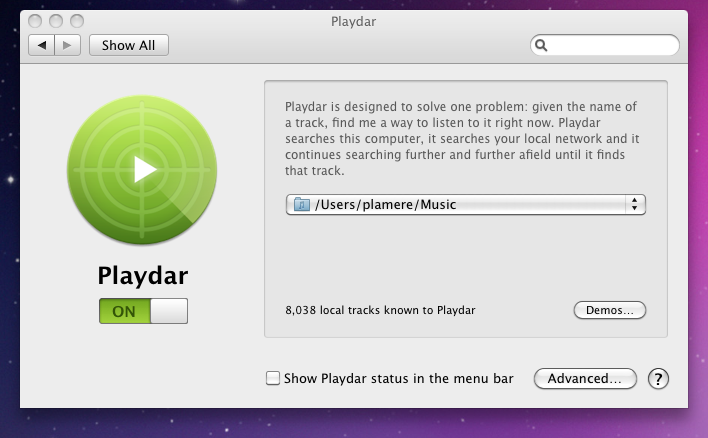
Now that Playdar is easy to install, we need some apps. Luckily Toby has been working hard on Playgrub. Playgrub is a an app that you install in your browser tool bar. When you visit a web page that mentions music, click on the ‘grub’ link and Playgrub will scour the page for all the artists and tracks, resolve them using Playdar and give you a playlist for the page. Here’s Playgrub in action. I visited the Last.fm page for the Weezer Blue album. I clicked on Playgrub and in a few seconds, Playgrub showed me this:
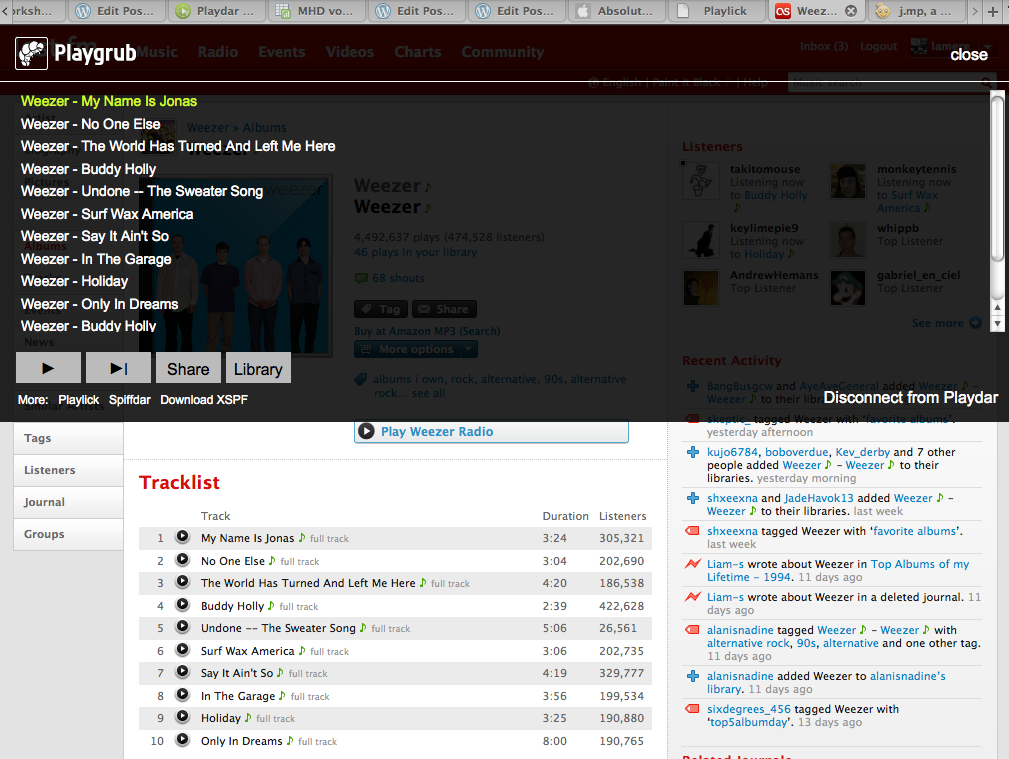
Playgrub via Playdar was able to find the audio for the music on the page (I happen to own this album so Playdar didn’t have to go far) and give me a playlist that I could play right now, or share with others. It is really cool. Toby writes more about Playgrub and even has a video showing it in action in this post: Playgrub new and improved.
Two big steps in one week for Playdar – an installer, and a compelling app. Playdar is getting closer to being ready for the mainstream. And I think we’ll be seeing even more progress. This Friday the Echo Nest will be hosting the first face-2-face Playdar summit, where about a dozen hard core Playdar folks will gather in one room and map out the next steps for Playdar. I’m really looking forward to it.
The most music tech ever squeezed into 1 weekend
Posted by Paul in events, Music, The Echo Nest on November 18, 2009

Workshops! The core activity for the music hack day weekend is hacking. But before we dive into the hard core hacking the weekend starts with a set of music tech workshops where hackers can learn about the latest in music technologies – it’s a way for the hacker to add more tools to their toolbox. On Saturday morning we will be conducting around 25 workshops running in 5 sessions of 5 parallel tracks. Anyone interested in the music+technology space will likely find something interesting – music recommendation, concert/event data, music meta-data, iPhone programming, electronic instrument construction, Playdar, NPR – everything from how to author a song for the Rock Band Network to the Yahoo! query language. If you are going to the Hack Day, you may want to do a little bit of planning to help you decide which of the workshops you’ll want to attend, so check out the workshop schedule.
Music Hack Day T-shirt
Posted by Paul in events, fun, The Echo Nest on November 17, 2009
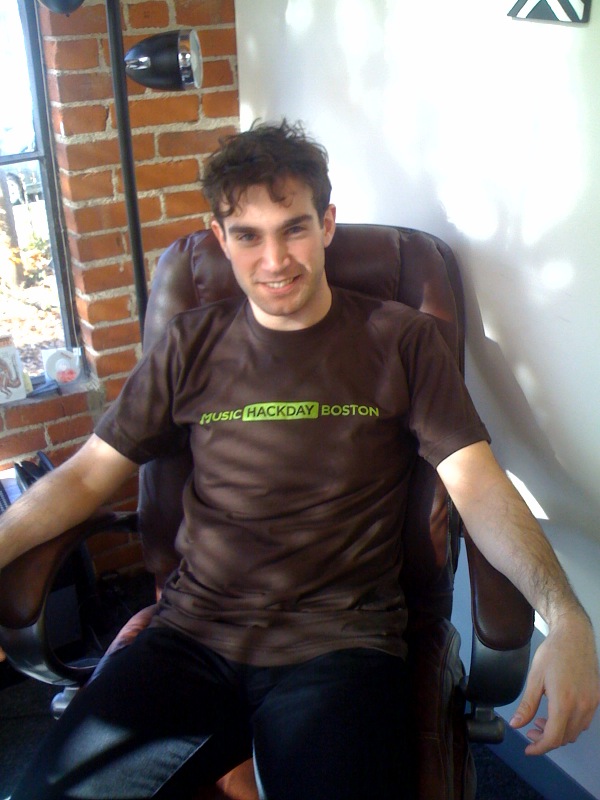
Ben Lacker shows off the Boston Music Hack day tee-shirt – hot off the loom.
Software that makes you buy hardware
Some software is so good is makes you want to buy hardware so you can run it best. The classic example is Visicalc which is responsible for making the Apple ][ successful. Over the years a few software apps have been compelling enough that I bought hardware for them:
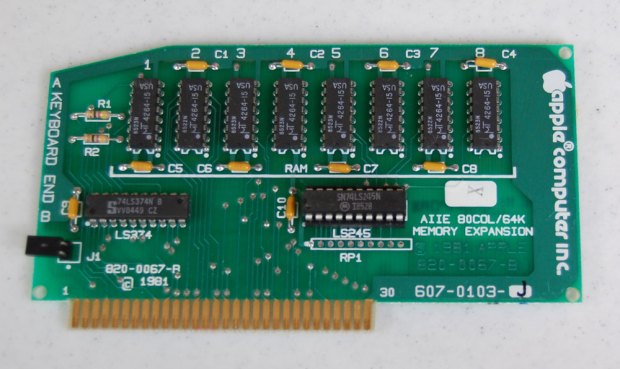
- AppleWriter -> 80 column card – The original Apple ][ could only render a 40 character wide, uppercase display. However, one of the first WYSIWYG word processors, AppleWriter supported an 80 column card. This was a card you’d plug into a slot in the back of the Apple that will let it render 80 column, mixed-case text. It was a must for word processing.
- Doom -> Gravis Ultrasound – Doom was the breakout 3D FPS shooter. It also had awesome sound support – spatial audio with a kickass sound track. The best way to render all that audio was the Gravis Ultrasound. It had really fine sounding midi soundbanks to make the distorted electric guitars sound like it came from a NiN album. I can still remember with great fondness the soundtrack for Episode 1, Level 1:
- Quake – > 3DFx Voodoo – the first gaming 3D accelerator (remember video passthrough cables)- all of a sudden 3D FPS games could render at 25 Frames per second.
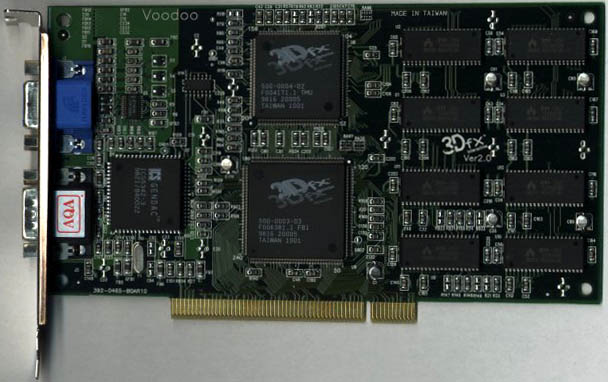
It has been a while since I’ve been engaged enough with a piece of software to buy some hardware for it. Sure I’ve upgraded memory and video cards to run a new game, but those were natural upgrade stepping stones aligned with the release of software. However, now, once again, I find myself with a piece of software that makes me want to upgrade my hardware in order that I can get the most out of the software. The software is the Spotify iPhone app.
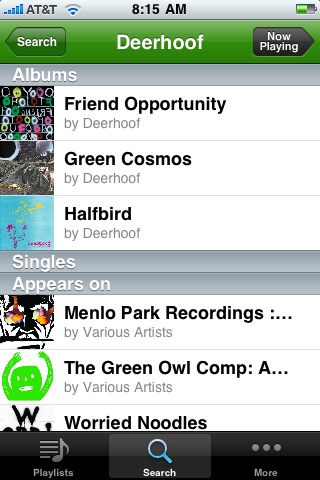
I installed the Spotify app on my 1st gen iPhone yesterday and have been playing with it all day. There’s something about having 5 million songs available in my pocket ready to listen to that is just indescribable. On the drive home, I listened to the WeAreHunted playlist, During dinner time with my 14 year old daughter we listened to the Glee soundtrack. On my after dinner walk I listened to some tracks that I hadn’t listen to since High School. It is quite an interesting feeling to be out in the middle of nowhere, have a song come to mind, and moments later be listening to it. And so I want more. My feeble 1st gen iPhone with its edge network doesn’t get the music fast enough for me, so I have to rely on Wifi syncing. Plus the paltry memory size leaves me with less than 2GB for the local Spotify audio cache. Perhaps enough for a thousand songs, but I want more! And so I shall be upgrading my iPhone soon – the 3G and 32GB footprint will help me take full advantage of this wonderful app.

